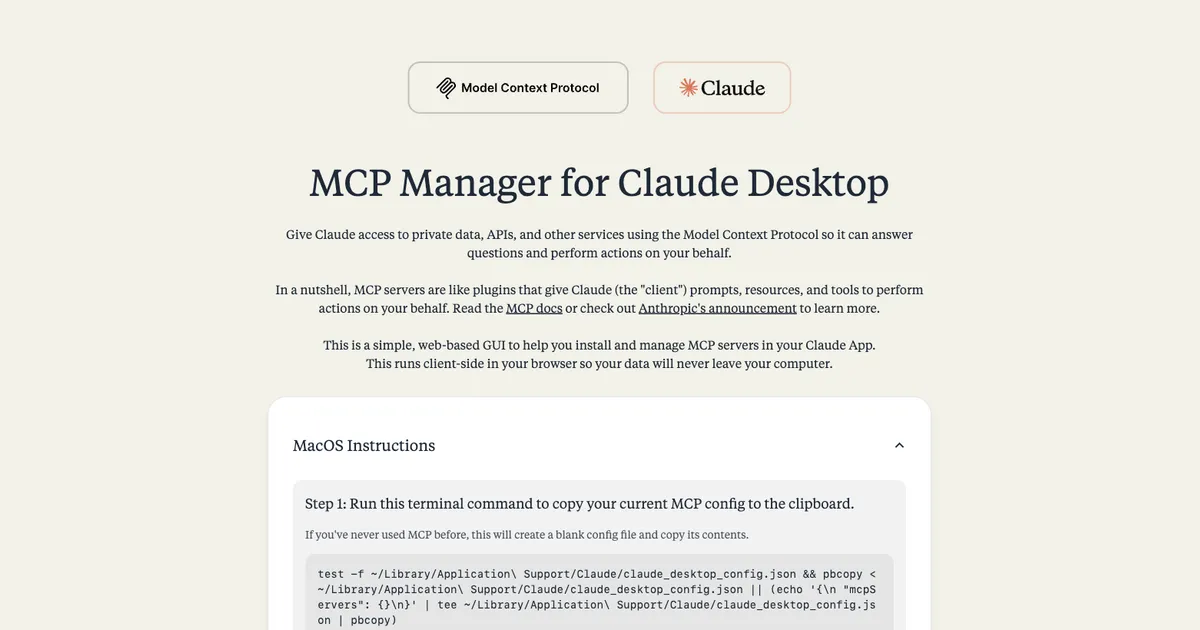
Anthropic announced the Model Context Protocol on November 25, 2024. The first commit on this repo is December 8. I want to be clear about what the world looked like in those two weeks: there was no MCP registry, no claude mcp add, no desktop extensions, no marketplace of connectors. If you wanted Claude Desktop to talk to your GitHub or your Postgres database, the official instructions were “open claude_desktop_config.json in a text editor and paste this JSON in.” One missing comma and Claude Desktop silently loaded nothing. I did that dance a few times, watched other people do it worse in Discord threads, and built the GUI that should have existed.
The flow is deliberately dumb: paste the contents of your existing config file into the app, and it parses into a live list of your installed servers. Browse a catalog of 20+ servers, including GitHub, Slack, Google Drive, Obsidian, PostgreSQL, Brave Search, Puppeteer, and the rest of the early ecosystem, click to add one, fill in its API keys and paths through a real form instead of raw JSON, and copy the finished config back out. Servers that need more than a token got their own configuration components: the filesystem server needs allowed directories, SQLite needs a database path, Obsidian needs a vault location. Each one asks for exactly what it needs instead of showing you a generic key-value editor and wishing you luck.
Client-side wasn’t a shortcut; it was the feature
The entire app runs in the browser: no backend, no telemetry, nothing leaves your machine. That’s not because I was avoiding server costs (it deploys to Cloudflare Pages either way); it’s because the input to this tool is a file full of API tokens. A config manager that uploads your Slack bot token and Postgres connection string to someone’s server to “process” it is a credential harvester with a nice UI. Making it verifiably static, where you can read the source and see no network tab activity, was the only version of this I’d have been comfortable telling strangers to paste their secrets into.
The styling is a small love letter: Tailwind and DaisyUI, with the Tiempos typeface to match Anthropic’s own design language, so it feels like a missing piece of Claude Desktop rather than a third-party tool bolted on.
An honest artifact of its moment
I’ll be honest about where this sits today: the ecosystem caught up. MCP now has registries, one-click installs, and desktop extensions, and the problem this solved has been largely solved upstream, which is exactly what should happen to a tool like this. The README even carries a confession from the era: I couldn’t get the fetch, time, and sentry servers working and openly asked contributors for help. But it was my first piece of MCP tooling, built while the protocol was days old, and the instinct it came from, “MCP is powerful, the setup is hostile, someone should fix the gap,” is the same one that later produced terminal-mcp and mcp-code. This one just happens to be the earliest timestamp.